
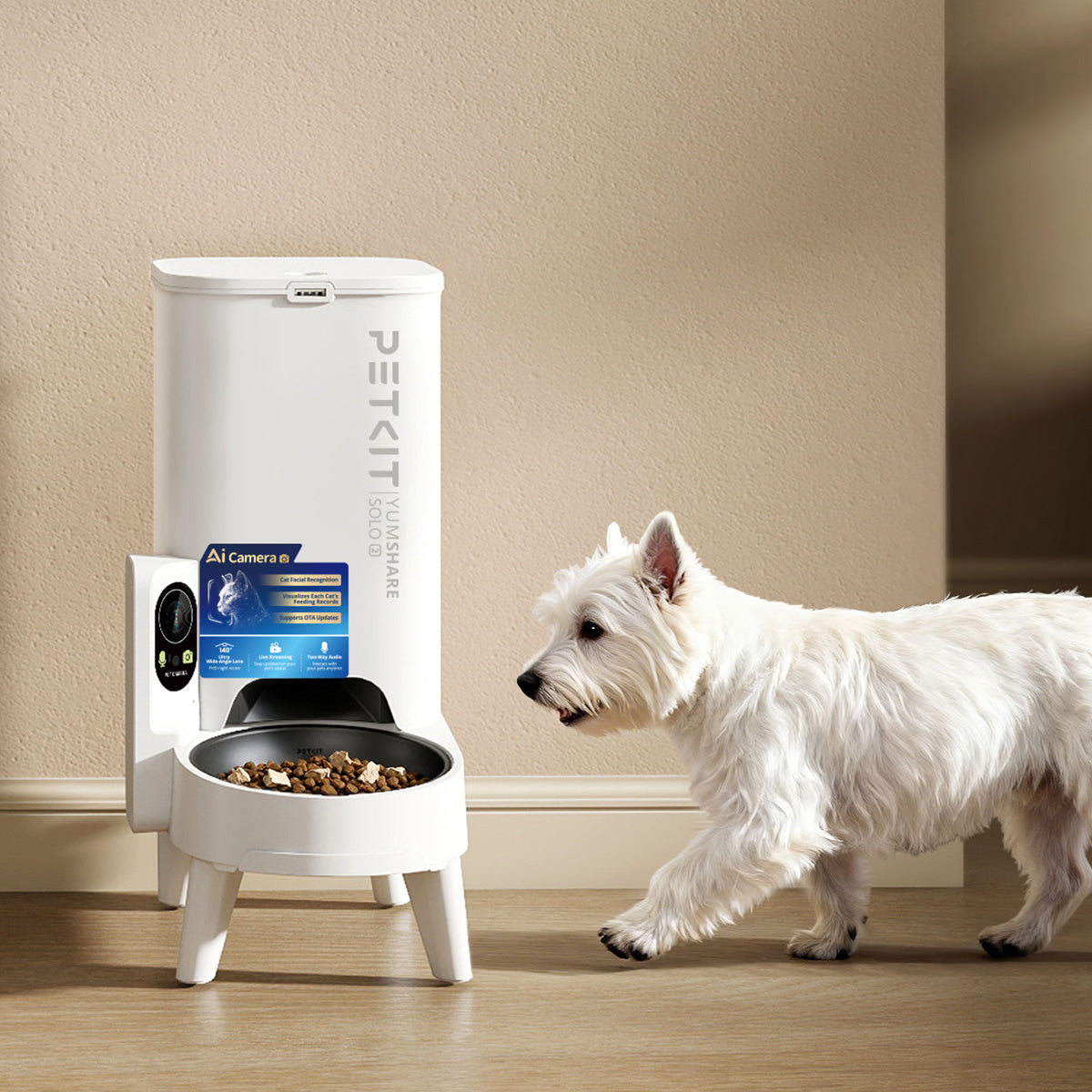




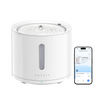
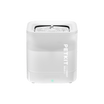
We're excited to announce that PETKIT devices now support Siri voice control on iOS. Ask Siri, and your device responds on the spot — no need to open the app, no extra steps.
Whether your hands are full, you're mid-task, or you simply don't want to reach for your phone, one voice command is now all it takes to feed your pet, run a cleaning cycle, or activate Privacy Mode.
Instant Control, Whenever You Need It
Once set up, a single voice command is all it takes to act on any of your PETKIT devices. Here's what you can do:
Feed Your Pet with a Simple Voice Command
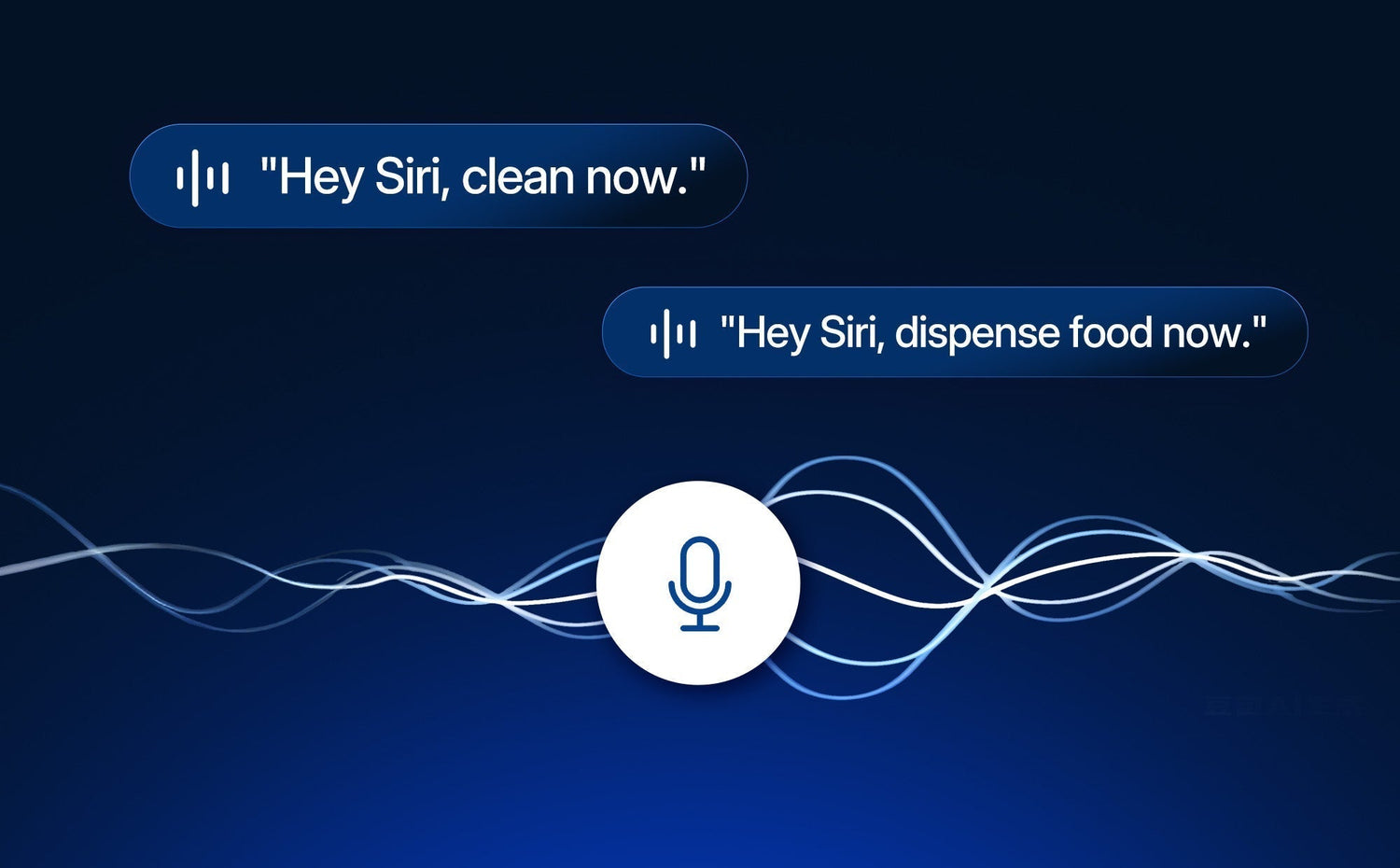
"Hey Siri, dispense food now."
Your cat won't have to wait. Your smart pet feeder dispenses a portion on the spot — no scheduling required, no app to open. It's especially useful for those moments when your pet is hungry between meals, or when you want to reward them with a little extra without interrupting what you're doing.
Clean the Litter Box Without Lifting a Finger

"Hey Siri, clean now."
"Hey Siri, deodorize now."
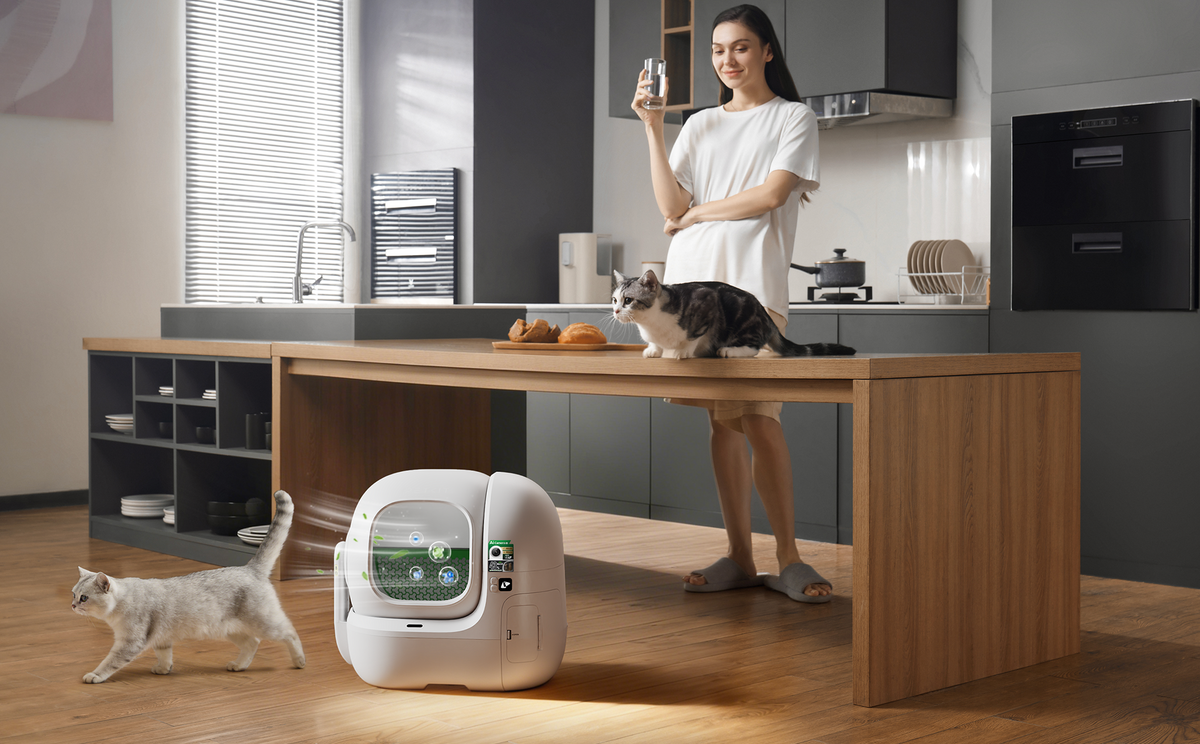
Whether your cat just finished using the automatic litter box or you have guests on the way, you don't need to pause what you're doing. One phrase sends your litter box straight into action.
Extra Privacy Control with Purobot Ultra
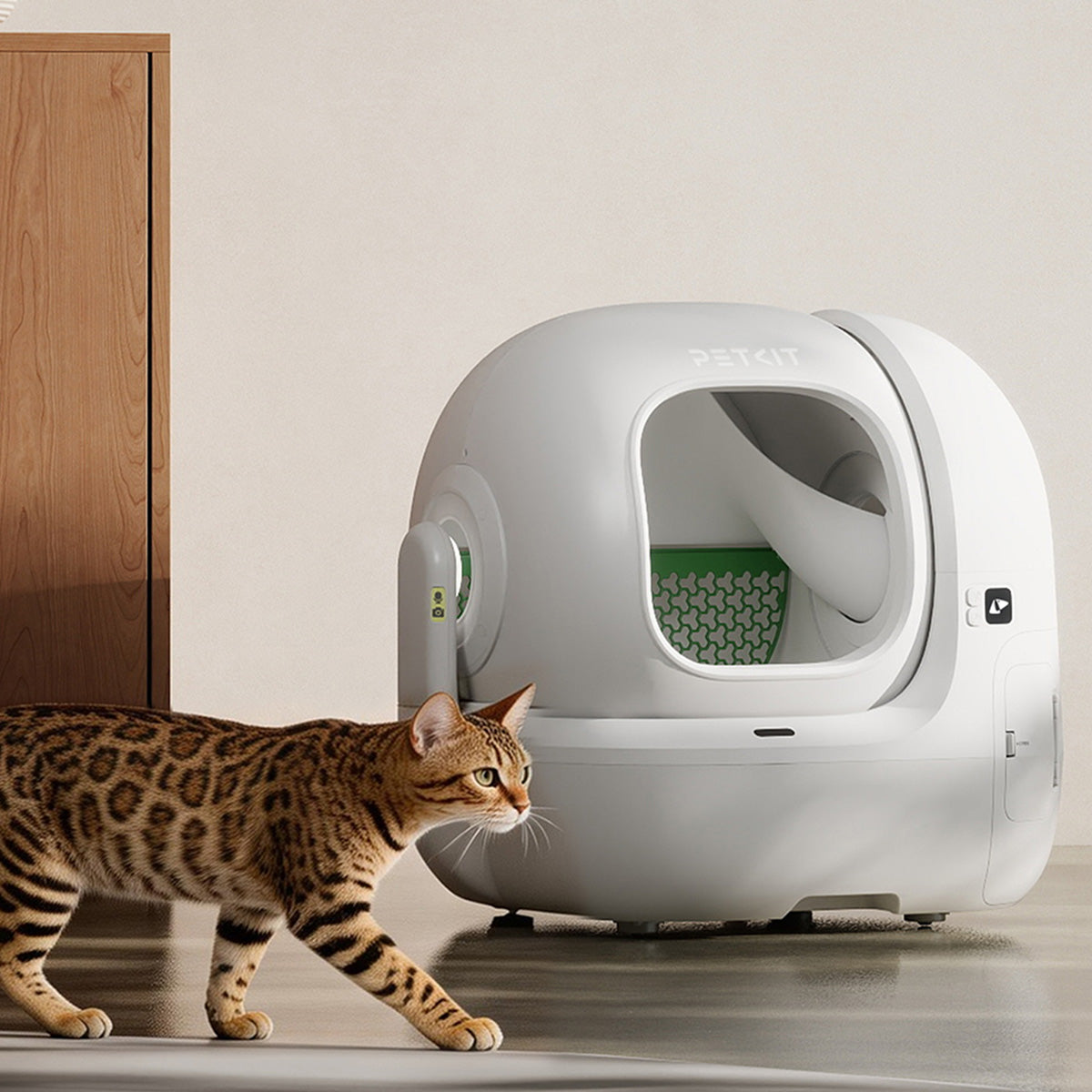
If you have the Purobot Ultra, its rotating camera unlocks two additional commands — "Hey Siri, enable Privacy Mode" and "Hey Siri, disable Privacy Mode" — which automatically rotate the camera inward for privacy whenever you're home.
Your Devices, Now Siri-Ready
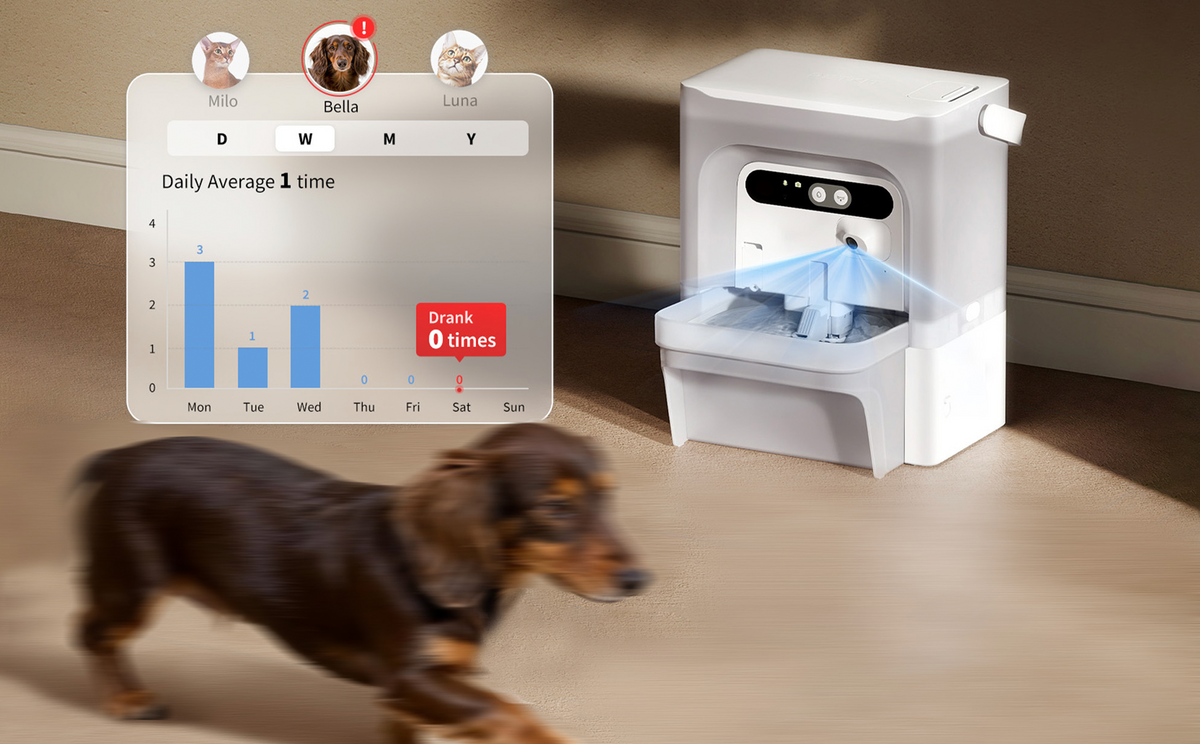
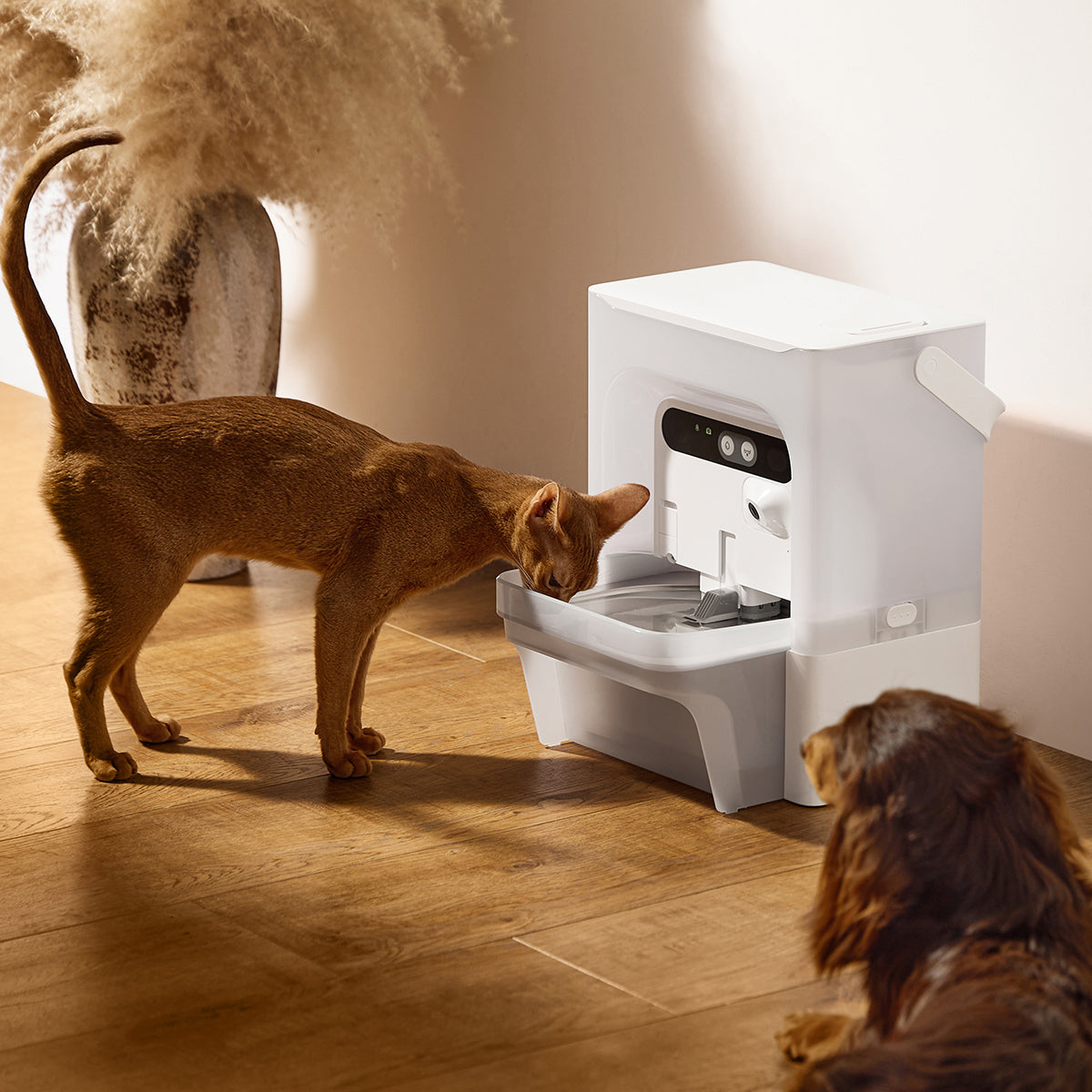
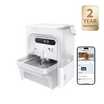
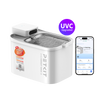
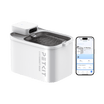
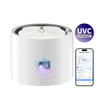
The following feeders support voice control to dispense food instantly.

The following litter boxes support voice control for: clean now; deodorize now; enable Privacy Mode and disable Privacy Mode (Purobot Ultra only), as shown.

Siri voice control will continue expanding across upcoming PETKIT products. Stay tuned as more PETKIT devices gain hands-free voice support in future releases.
Getting Started Is Simple

Setting up Siri with your PETKIT device takes just a few minutes. Here's how:
- Go to your device settings in the PETKIT app — Tap the settings icon in the top-right corner of your device page.
- Select "Voice Control" — Scroll down to find the Voice Control option and tap to open it.
- Tap "Add to Siri" — You'll see the available actions for your device.
- Record your command phrase — Choose and record a phrase that feels natural — "dispense food now," "clean now," or "deodorize now." That's the phrase Siri will listen for.
Before you begin, please make sure your iPhone is running iOS with Siri enabled, and that your PETKIT app is on version 13.3.0 or above.
More Than Voice: Build Automations for Your Pet's Routine
Siri voice control is just one part of what's now possible. Through Apple's Shortcuts app, you can set up automations that run your PETKIT devices on a schedule or in response to triggers — without any input at all. Have your litter box run a cleaning cycle every morning. Set up a feeding when you leave for work. Configure your Purobot Ultra to enable Privacy Mode automatically when you get home.
The goal is the same as everything we build at PETKIT: fewer steps between you and a well-cared-for pet.
Why This Matters
At PETKIT, every update we release is a response to the real moments you share with your pet — the small daily routines, the unexpected situations, the times when you want to do right by them, but life is already full. Siri support is one more way we're working to make that easier.
A voice command may seem like a small thing. But when your hands are full and your cat is waiting, it's exactly the right thing.
If you already own a compatible PETKIT device, the update is ready for you today. Open the PETKIT app, head to Voice Control in your device settings, and give it a try.